Step 1: Get Your API Key
API access is included with all paid plans. To get your API key:
- Log in to your account
- Go to Settings
- Scroll down to the API Access section
- Copy your API key
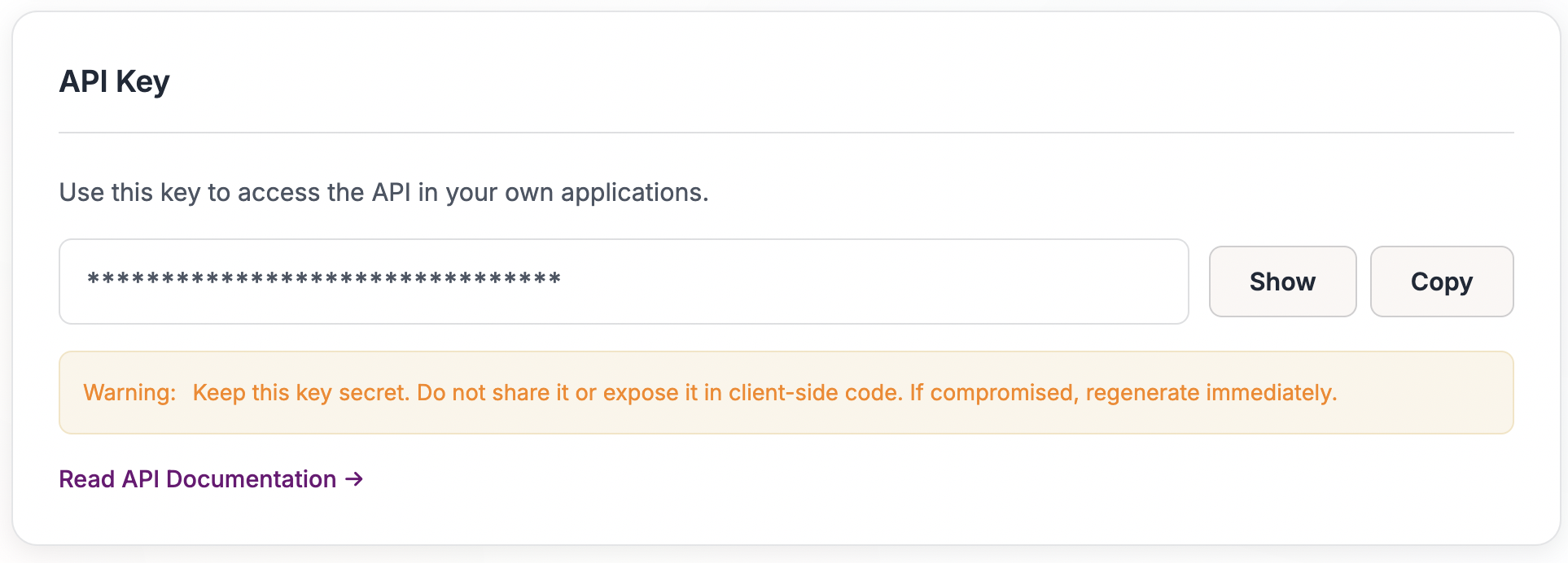
Your API key starts with uk_ followed by a long string of characters. Keep this key secure - anyone with your key can make API requests as your account.
Step 2: Upload a Statement
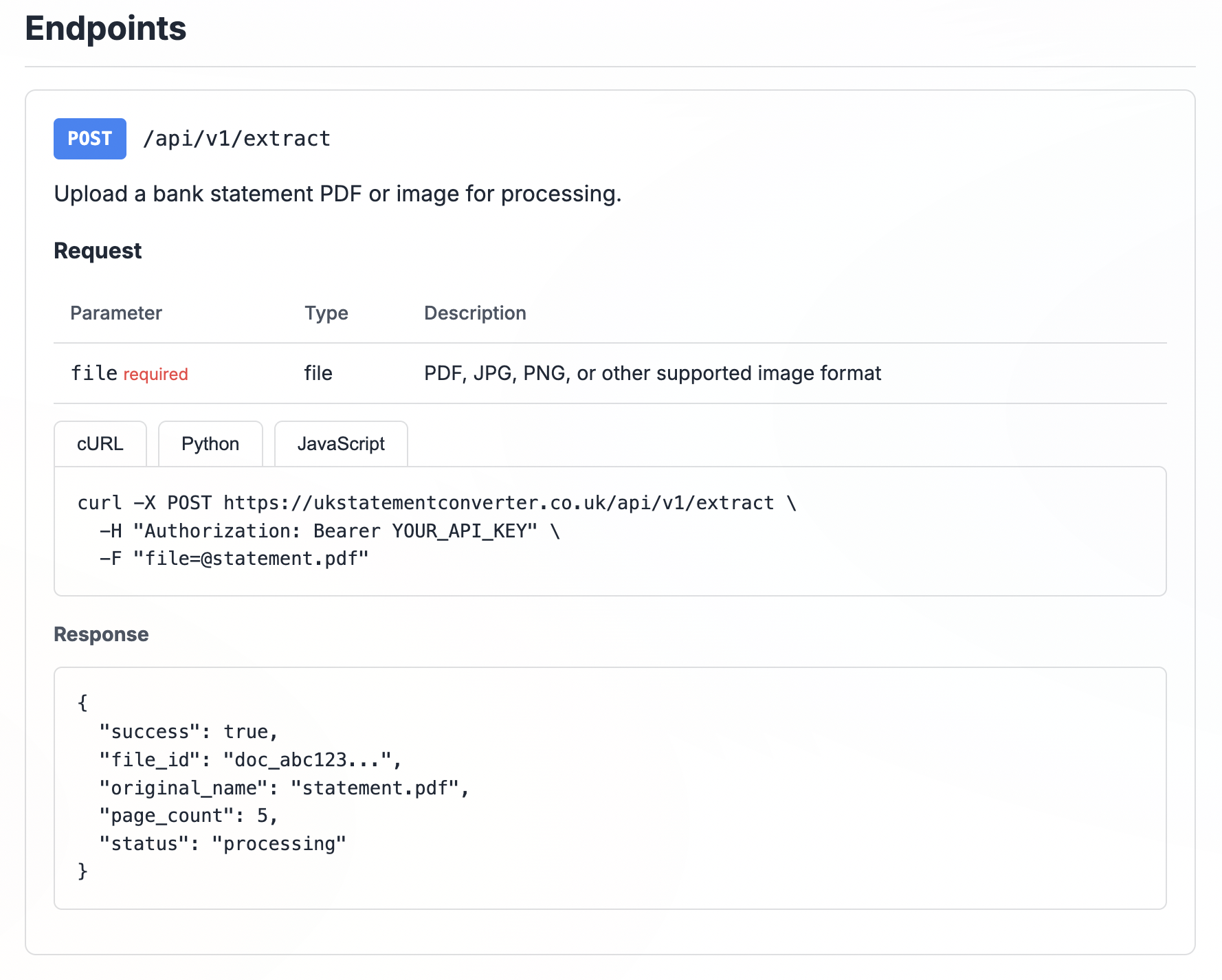
To upload a bank statement PDF, make a POST request to /api/v1/extract with your file attached as form data.
Include your API key in the Authorization header:
Authorization: Bearer uk_your_api_key_hereExample using curl:
curl -X POST https://usstatementconverter.com/api/v1/extract \
  -H "Authorization: Bearer uk_your_api_key_here" \
  -F "file=@statement.pdf"
The response includes a file_id that you'll use to check status and download results:
{
  "success": true,
  "file_id": "doc_abc123...",
  "status": "processing",
  "page_count": 5
}
Step 3: Check Processing Status
Processing typically takes a few seconds, but larger statements may take longer. Poll the status endpoint until processing completes:
curl https://usstatementconverter.com/api/v1/status?file_id=doc_abc123 \
  -H "Authorization: Bearer uk_your_api_key_here"
The status will be one of:
processing- Still being processedcompleted- Ready to downloadfailed- Processing failed (check the error message)
Step 4: Download Results
Once status is completed, download your results in your preferred format:
curl https://usstatementconverter.com/api/v1/download?file_id=doc_abc123&format=json \
  -H "Authorization: Bearer uk_your_api_key_here"
Available formats:
json- Structured data, best for programmatic accesscsv- Simple tabular formatxlsx- Excel spreadsheet
Using Postman
We provide a ready-to-use Postman collection with all endpoints pre-configured. Download it from the API documentation page.
After importing the collection:
- Set the
api_keyvariable to your API key - Run "Upload Statement" - select a PDF file
- The
file_idis automatically saved for subsequent requests - Run "Check Status" until status is "completed"
- Run "Download as JSON" to get your transaction data
Checking Your Quota
API requests count against your plan's page quota. To check your remaining quota:
curl https://usstatementconverter.com/api/v1/user \
  -H "Authorization: Bearer uk_your_api_key_here"
This returns your account information including pages used and remaining this billing period.
Need More Help?
Check the full API documentation for detailed endpoint references and code examples. If you have questions, contact us at support@usstatementconverter.com.